No templates to pick, no builder to learn. Your site is drafted in about 3 minutes — then change anything by just saying it.
Free to start · No credit card · Cancel anytime
Building your site
Making your changes
Single-origin beans · roasted weekly · ships in 7 days
Shop this seasonOur story
You don't need to know what "responsive", "grid" or "component" mean. Say it the way you'd say it out loud.
The type of site, and what it's for
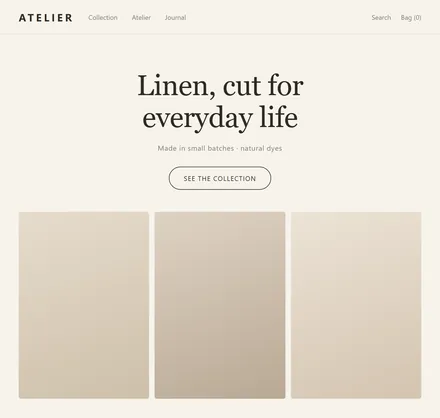 Brand site
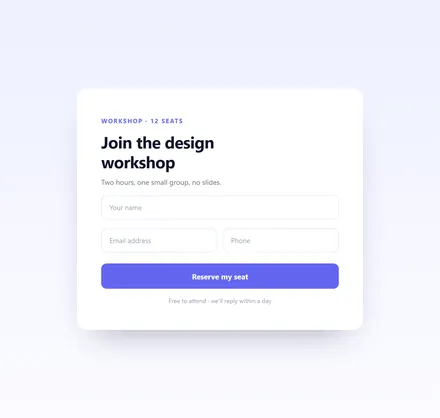 Landing page
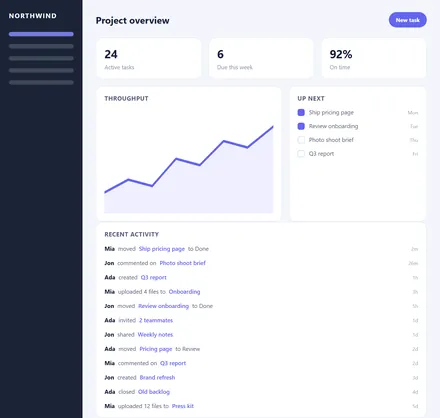 Team dashboard
The first impression you want
The things that have to be on it
One sentence with all three works best. For example: "A site for my coffee shop — warm cream and deep brown, with a menu, our address and online booking."
Free to build. Nothing to download, no setup, no waiting for approval.
One plain sentence: what it is, how it should feel, what it has to do. No jargon required.
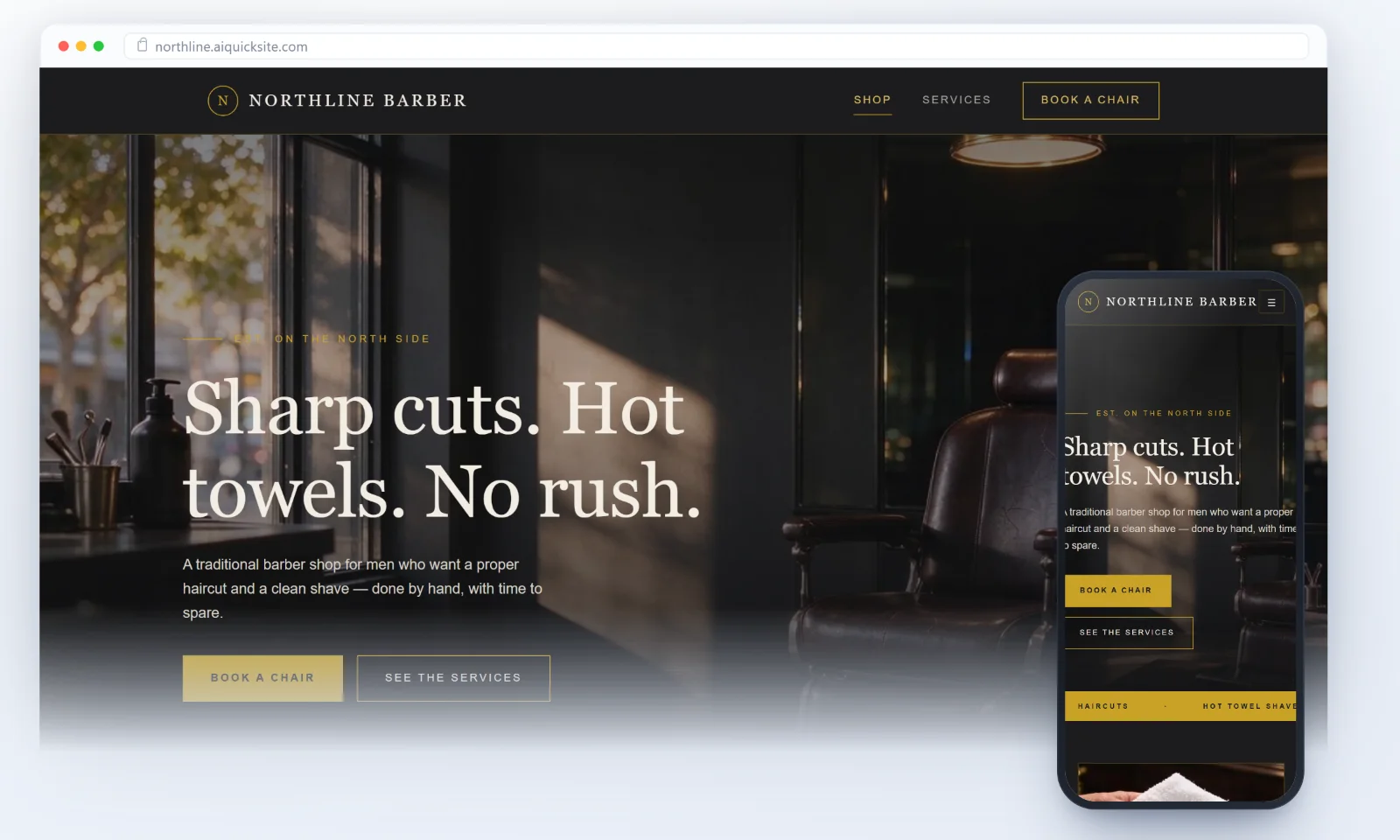
It builds a whole multi-page site at once — a home page plus subpages — previewed live on the left. The nav in the preview actually works.
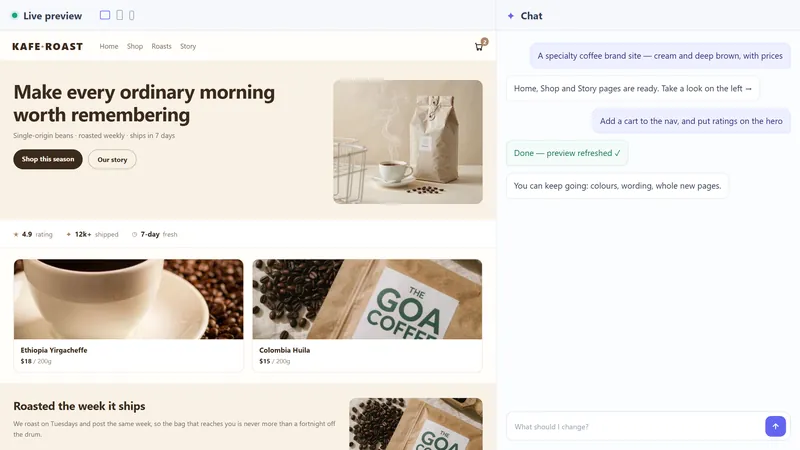
"Make the accent warmer." "Add a contact form." It edits the version you're looking at — it doesn't start over.
Connect a domain, pick a plan, pay — and you get a real address anyone can open. It also turns the site into a single image with a QR code — easy to drop into a group chat or a social post.
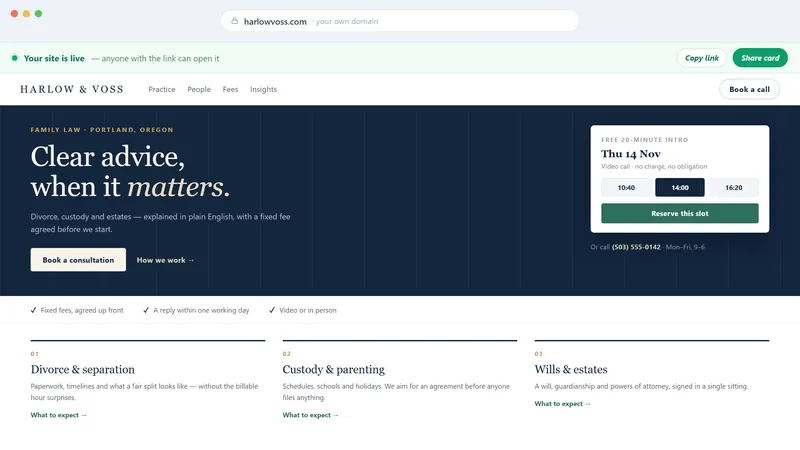
Templates, drag-and-drop, domains, tutorials — all replaced by one conversation.
No template picking, no dragging boxes. You describe it; AI writes the pages, the layout, the colors and the interactions.
Write in the language you think in — English, Chinese, Spanish, and more. Want the finished site in one of them? Say so, and every page is written that way.
From colors and photos to page structure, a running checklist shows what it is working on — not just a spinner.
Generating is just the start. Font sizes, colors, text, adding or removing sections — one sentence each, as many times as you need.
Click any text in the preview and type over it. Headlines, buttons, taglines — faster than explaining it to an AI.
The finished site sits on the left, and the nav actually works. Switch between desktop, tablet and phone — what you see is what ships.
A built-in publishing flow: connect a domain, pick a plan, pay. No server to rent, no hosting to configure, no approval queue.
Product shots, menus, price sheets, an About page draft — images go straight into the layout, and text from Word / PDF / Excel is read and used instead of swapped for generic placeholder text.
Upload nothing and you still won't be left with grey boxes. It picks visuals that fit your trade, and they match the rest of the site.
Responsive from the start — desktop, tablet and phone. No separate mobile version to maintain.
AI is already connected. No API key, no account setup — open the page and start.
If it lives in a browser, it can be built.
No setup fee, no charge per page. Building and editing never costs anything.
$0to build
No card, no trial clock
$6.99/ month
Cancel anytime · or $16.99 a quarter
$49.99/ year
Cancel anytime
Your own domain is optional — connect one you already own, or keep the free address. Prices in USD.
Desktop and phone layouts are handled automatically — no separate mobile build.
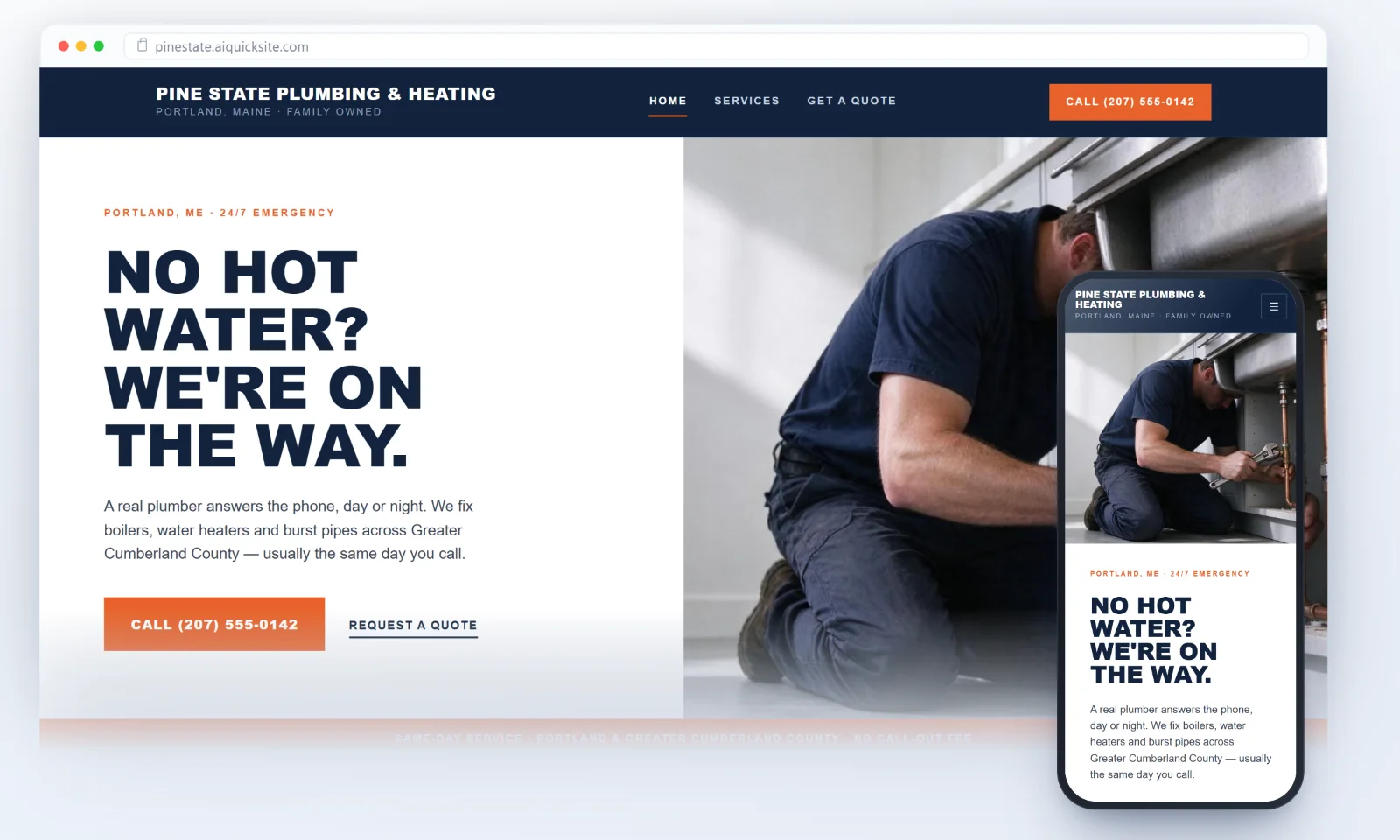
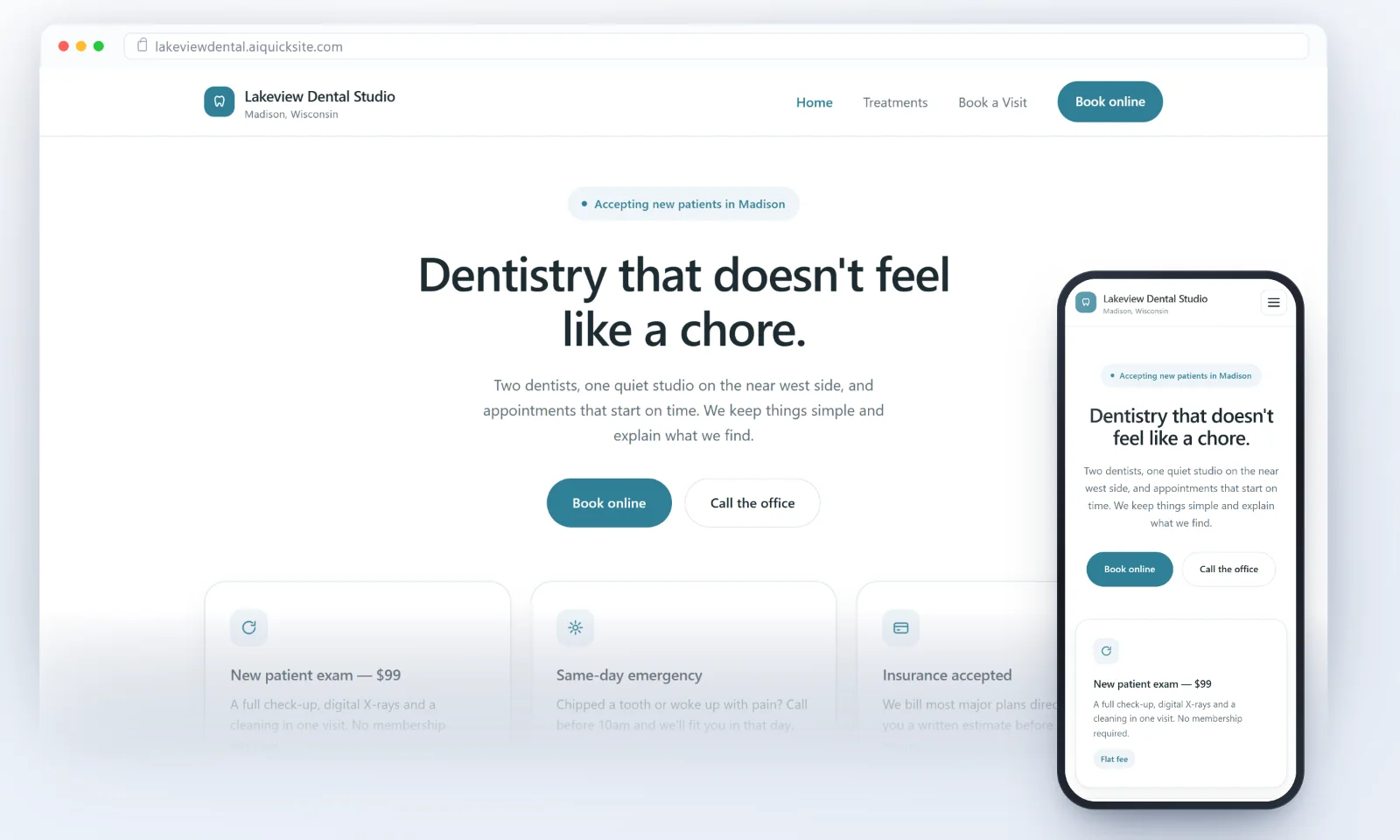
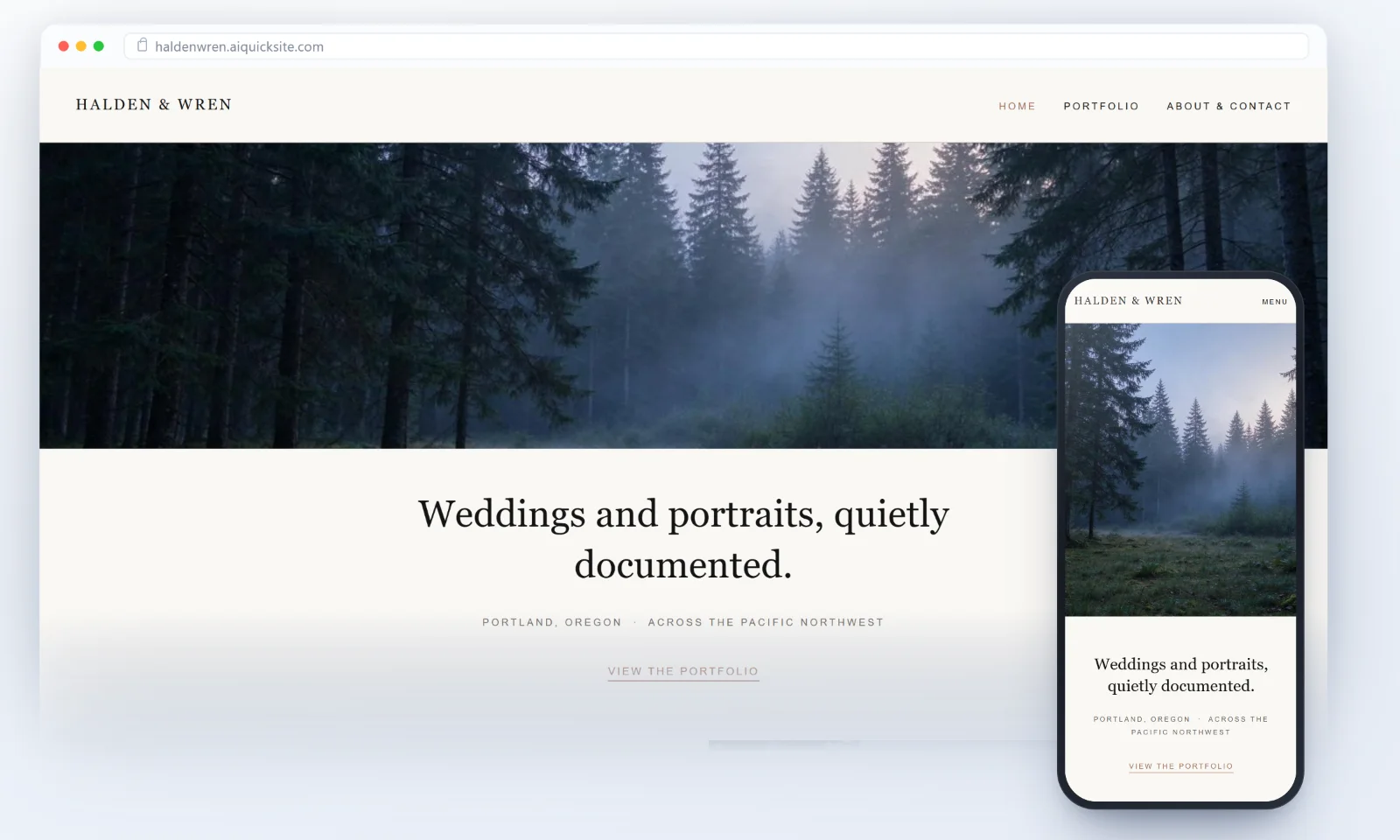
Yes. You only type. AI handles the structure, the styling and the buttons. Want something gone? Say "remove the pricing table" and it's gone.
Talk to it like a person: what the site is for, how it should feel, what it needs to do. The more specific you are, the closer the first draft.
For example:
Don't overthink the wording — say it roughly, then keep refining.
Yes. Describe your site in whatever language you are most comfortable in — it reads the request fine, and your shop name, address and prices are kept exactly as you typed them.
The site it builds is in English by default. To have the site itself in another language, say which one — "make the site in Spanish", or "用中文做这个网站" — and every page, heading, button and page description is written in that language.
The editing screen stays in English. Only the site you build changes language.
Every edit builds on the version you're looking at, so what you already like stays put. Change it as often as you want, then re-publish in one click.
The first draft usually takes under a minute. Two or three tweaks after that. Then the publish step — domain and plan — about a minute. A ten-page brief will take longer, and that's normal.
It's yours. After launch you can download the pages, styles and images as a zip from My sites, and host it anywhere else if you want to.
No — multi-page by default: a home page plus subpages (About, Services, Pricing, Blog — named to fit your trade), linked by the top navigation. You can click through them in the preview.
No. The model is included. No key to paste, no usage to watch.
Small businesses and solo operators get the most out of it: brand sites, portfolios, shop and menu pages, event and booking pages — sites that need to look right and load fast.
For the following, hire a team instead:
Not sure? Build one free version in 3 minutes and see.
Building and editing are free — from the first sentence to the last tweak. You only pay when you publish:
Nothing is charged before you publish. Build it, preview it, change it as much as you like, then pay when you're happy.
Cancel anytime from the dashboard — no phone call, no email required. The site stays online until the end of the period you paid for, then stays readable for 30 days so you can export it.
Email us — we usually reply within one business day. Most edits you can also just ask for in the chat, and it does them right away.
Nothing to prepare. Start now, or look around first.
Build my site Free to start · unlimited builds · keep editing until you are happy